
Browser extension
Remove a saved word
Clean up a vocabulary item from the translation bubble when it is no longer useful.
2 min read · Updated 2026-08-22
Find the saved word
Open the word’s translation bubble from a highlight or by translating it again. Saved words have actions that differ from a brand-new translation.
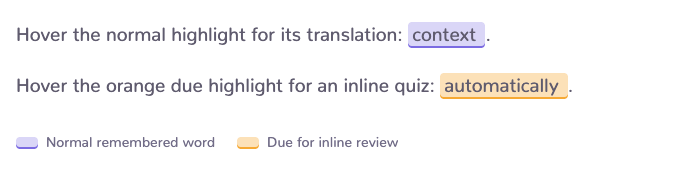
Remove it from the bubble
Open the bubble menu and choose the remove-word action. Wait for the saved state to update before moving on; the page may need a refresh before every existing mark disappears.
Confirm in the Word Hub
The webapp Word Hub is the durable vocabulary-management view and the best place to confirm that the item is gone.
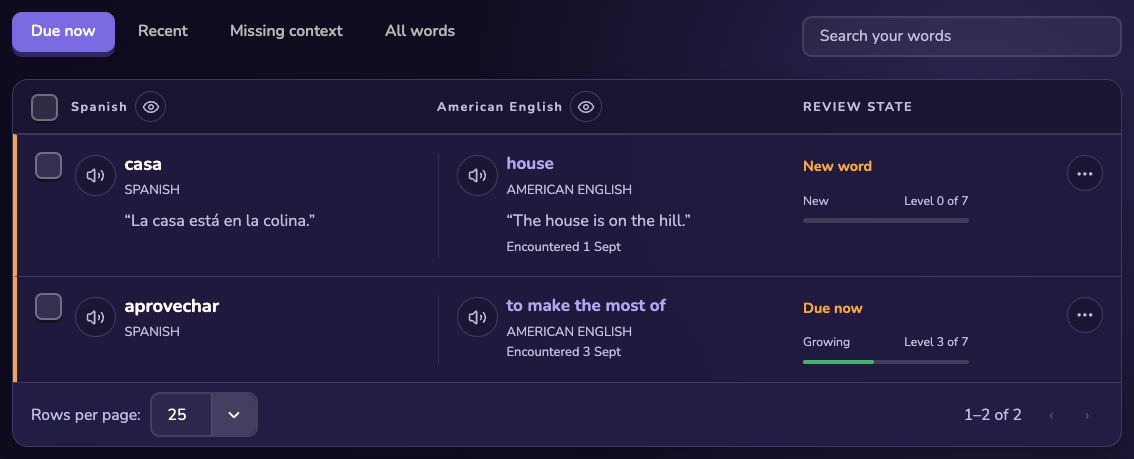
If you removed it by mistake
Still stuck?
Tell us what happened.
Include the page, browser, and what you expected. A human reads every message.