
Privacy & troubleshooting
Extension not working
Troubleshoot installation, permissions, connection, and page-specific issues.
4 min read · Updated 2026-08-22
Start with the installation
Open your browser’s extensions page and confirm that Stickly is installed and enabled. Return to a normal article page and reload it after changing the extension state.

Test a page the extension can read
Protected documents, editors, browser-owned pages, and extension-owned pages may not allow content scripts. Test a normal article before treating one restricted surface as a global failure.
Check the feature scopes
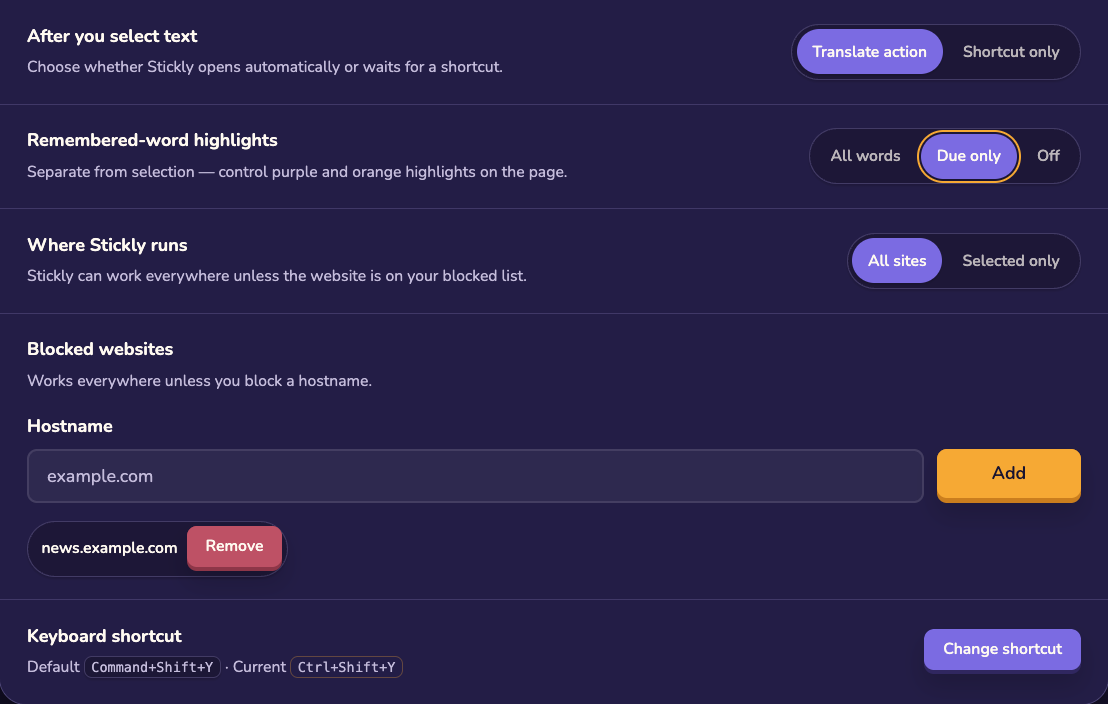
Make sure the current tab and website are not disabled, then check that selection translation, highlights, and word practice are enabled as intended. If only highlights are missing, test deliberate selection translation separately.
Isolate the failure
Try a short plain-text selection, reload the page, and compare another ordinary site. That comparison distinguishes a page-specific restriction from an extension-wide connection problem.
Ask for help with evidence
Still stuck?
Tell us what happened.
Include the page, browser, and what you expected. A human reads every message.