
Browser extension
Ask Stickly to explain a word
Use contextual explanation when a direct translation is not enough.
2 min read · Updated 2026-08-22
Open the explanation
Translate or hover the word, then open the bubble menu. Choose explanation when you want meaning, usage, or context rather than another short translation.
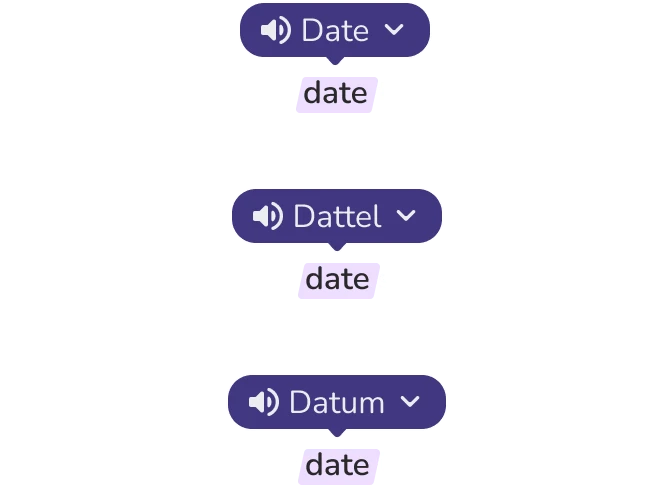
Compare meaning with context
The explanation is tied to the selected word and surrounding sentence. Read both together before deciding which meaning belongs in your vocabulary list.
Save only what you will review
Choose the sense that fits your sentence, return to the translation view, and save the learning item. Keep the surrounding context attached when it will make later recall easier.
If explanation cannot load
Still stuck?
Tell us what happened.
Include the page, browser, and what you expected. A human reads every message.